Rommie

2024

Mobile Design

Roomie is an interior guide app designed for people in their 20s–30s.It helps users style their rooms using existing furniture with easy and practical tips. The app also recommends budget-friendly furniture from affordable brands.Users can preview furniture placement through a virtual room simulation, making interior design more accessible and fun without the need to buy first.

Problem Statement

1

Problem 1

Users rely on multiple separate apps to manage journaling, budgeting, and scheduling, which makes it difficult to reflect on their daily life as a whole.

2

Problem 2

Most budgeting tools focus only on numbers and transactions, failing to capture the emotional and behavioral context behind spending decisions.

3

Problem 3

Logging daily activities, expenses, and emotions across different platforms creates friction, leading users to record information inconsistently.

4

Problem 4

Many life-management and finance apps feel overly complex, discouraging users who want a simple and emotionally approachable way to manage their daily life.

Design Response: Integrate mood, notes, and budget into a single daily flow.

Design Response: Integrate mood, notes, and budget into a single daily flow.

Design Response: Integrate mood, notes, and budget into a single daily flow.

Onboarding Flow

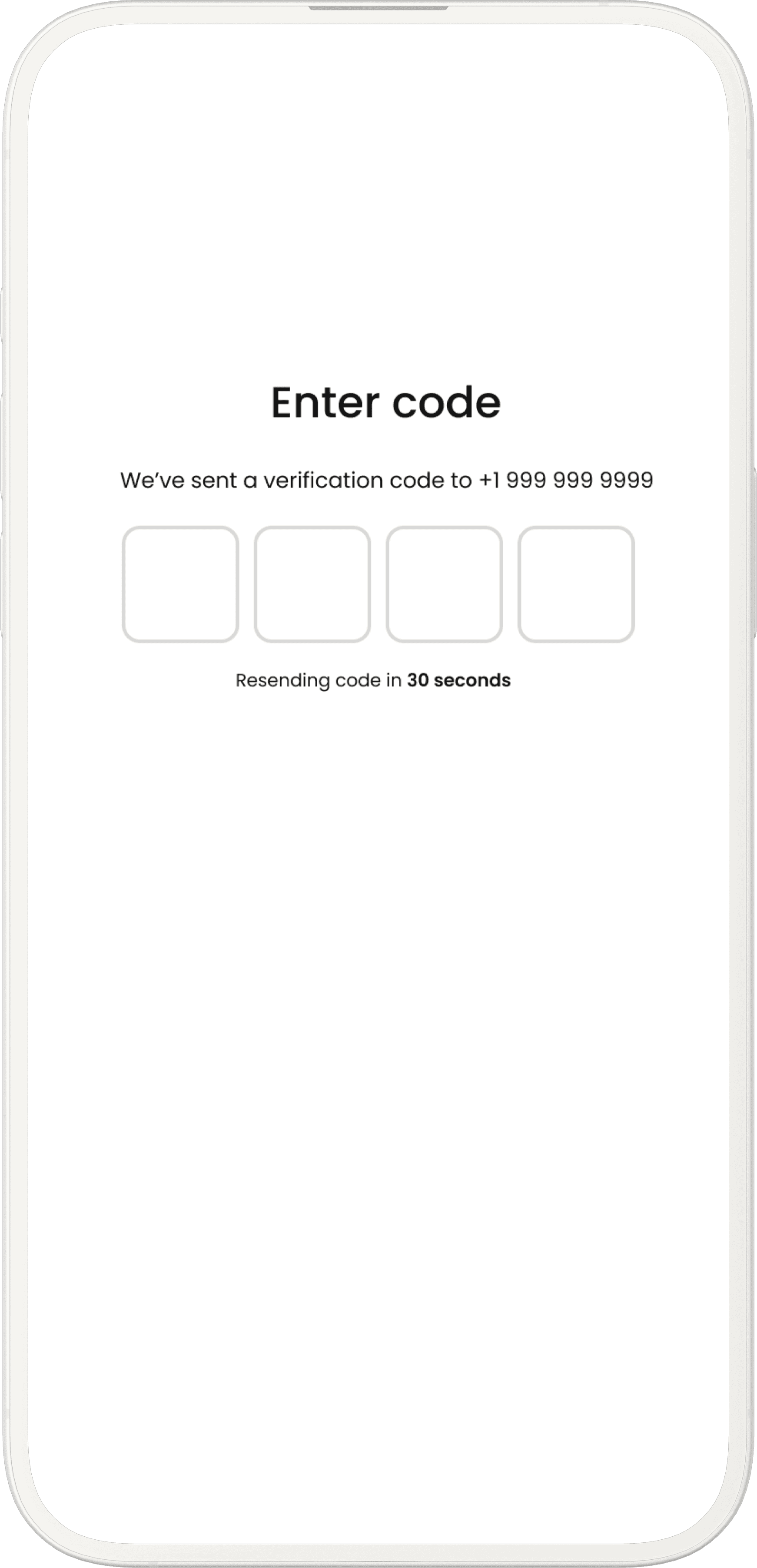
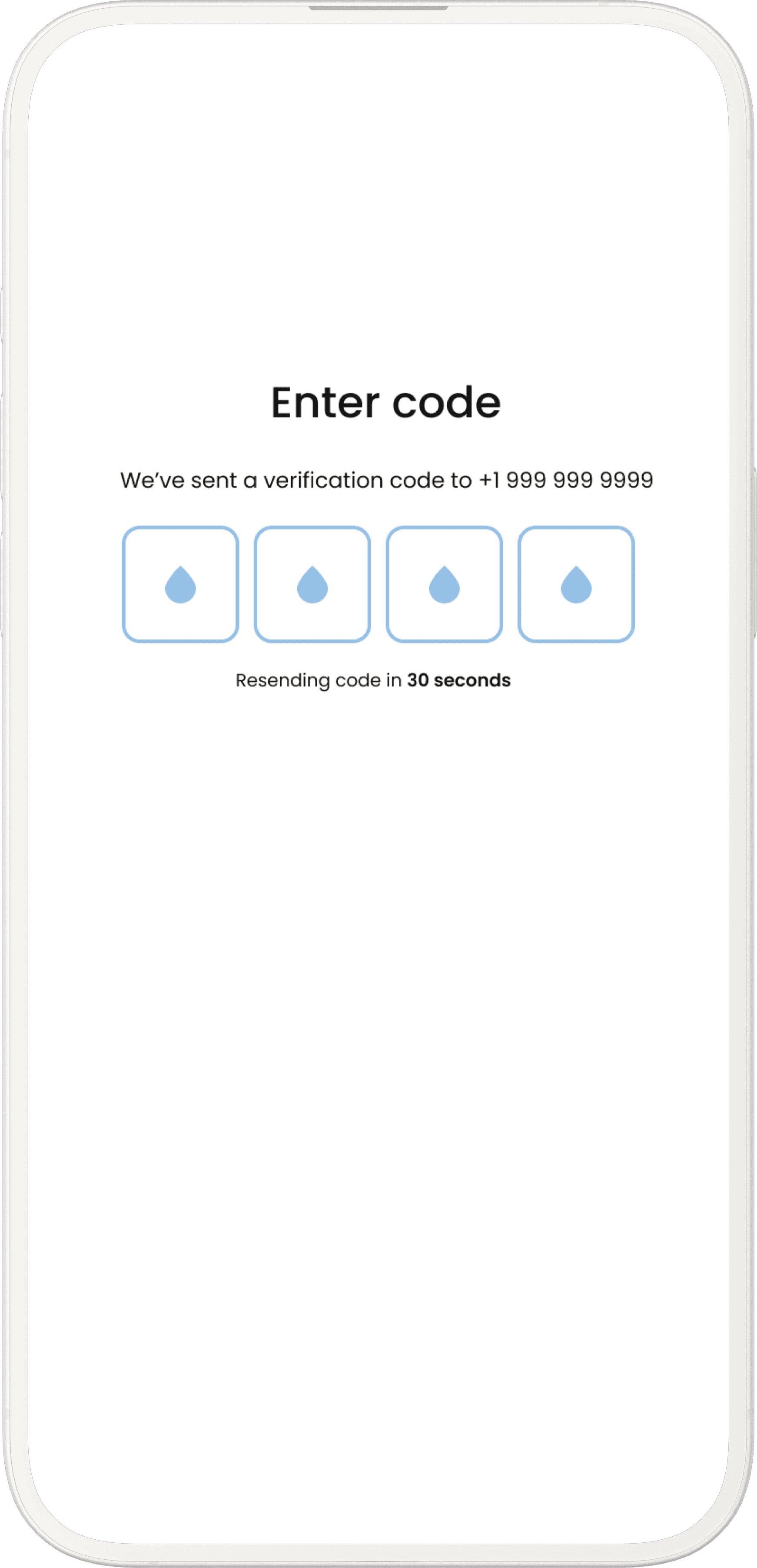
-> The onboarding flow introduces the app’s purpose in a simpla ans engaging way, helping users quickly understand its value

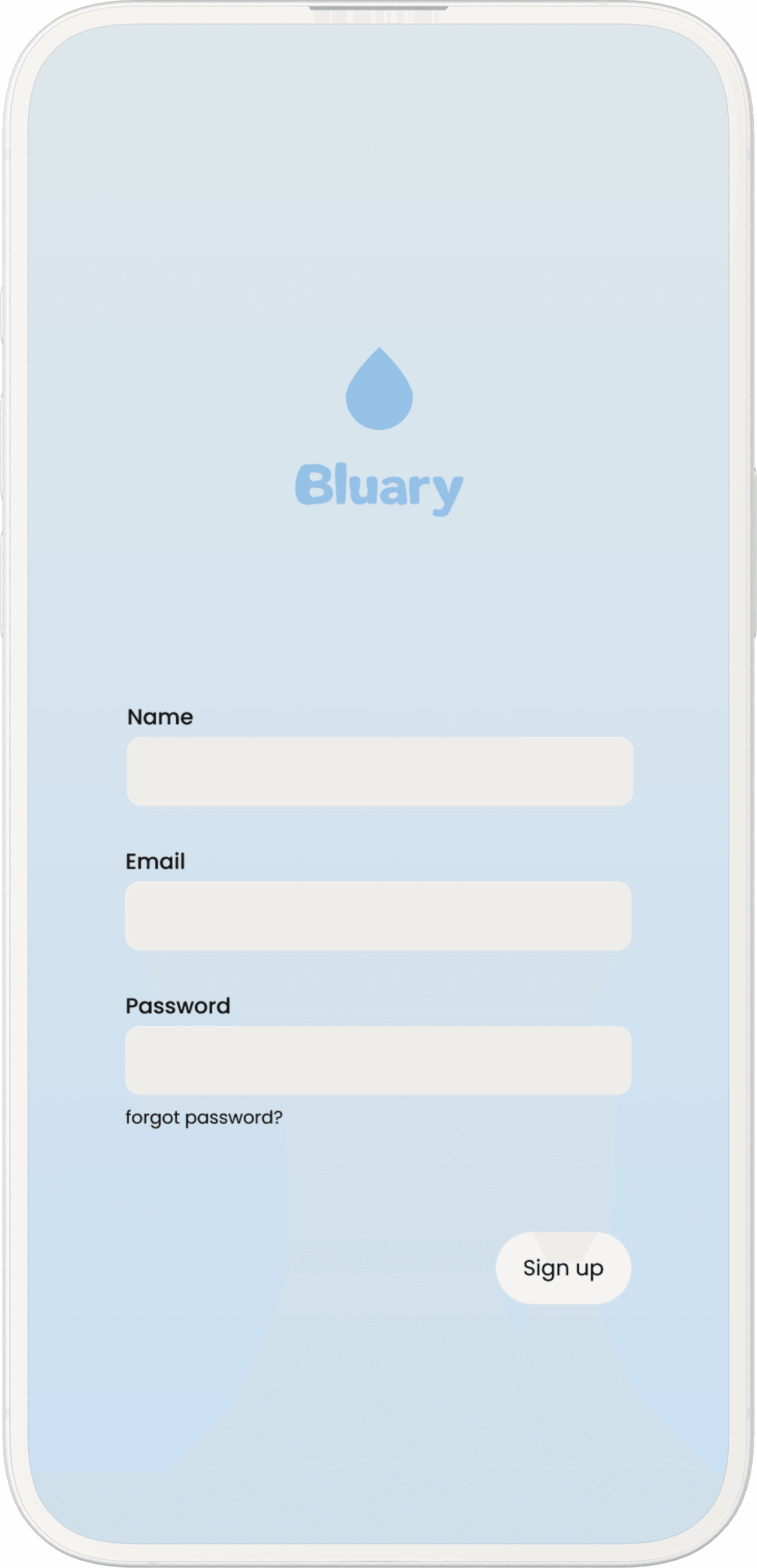
-> Users can sign up with their social accounts, making the registration process fast and convenient.


And they can use their own code, makes they more convenient and fast.

UI Kit

text

text

text

text

text

text

1

1

1

DIARY

Hey Jisoo, Tell me your story

We miss you and want to hear your story about today. We are waiting for you :).

Your weekly

goal

1day

Your weekly

goal

1day

HOME

My page

calendar

budget

Grocery

$800

08:00 AM

Team meeting

DescriptionDescriptionDescriptionDescriptionDescriptionDescription

Mockup Design

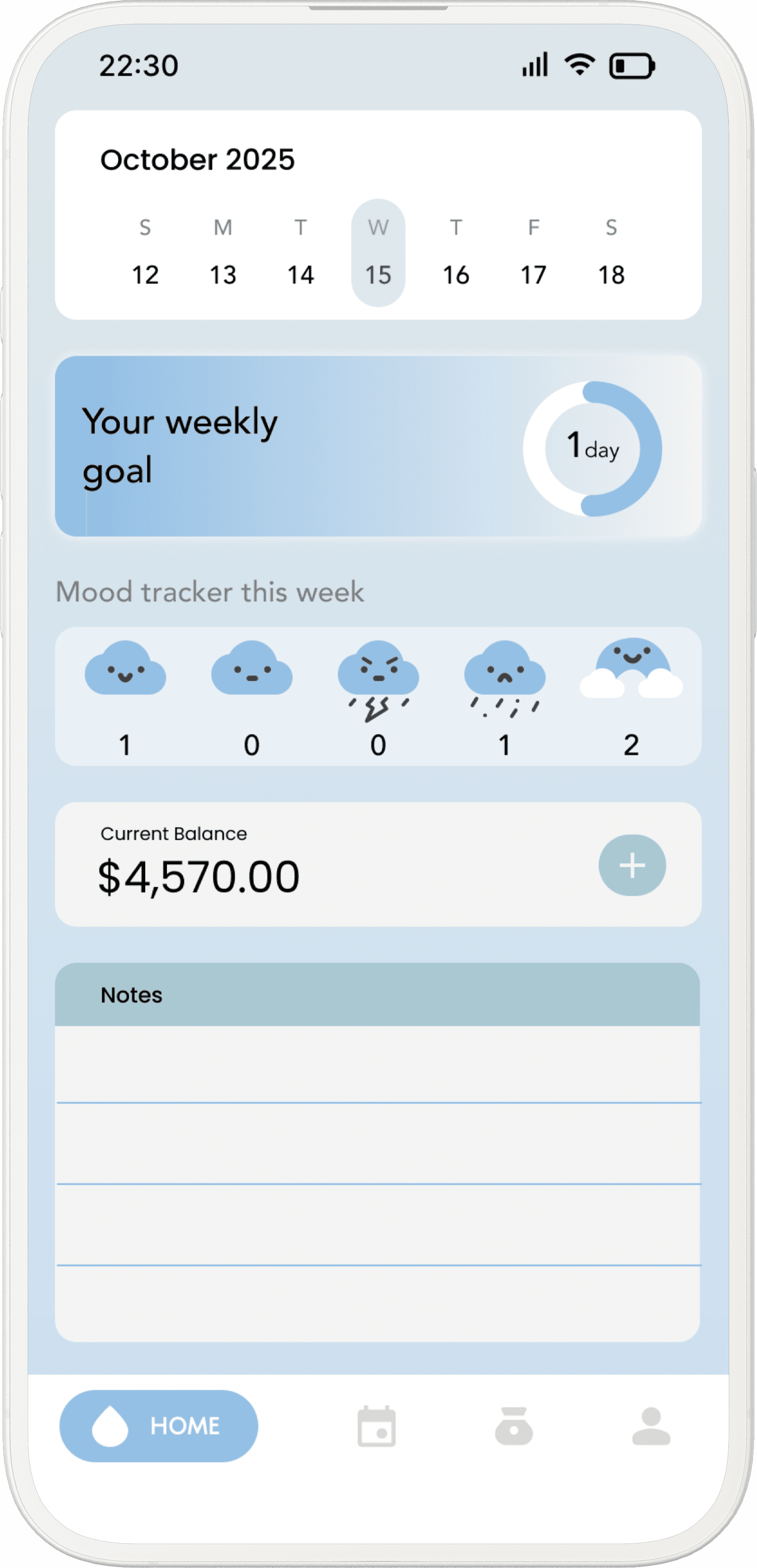
This screen provides a quick weekly overview by combining goals, mood tracking, budget status, and notes into a single, scannable dashboard.

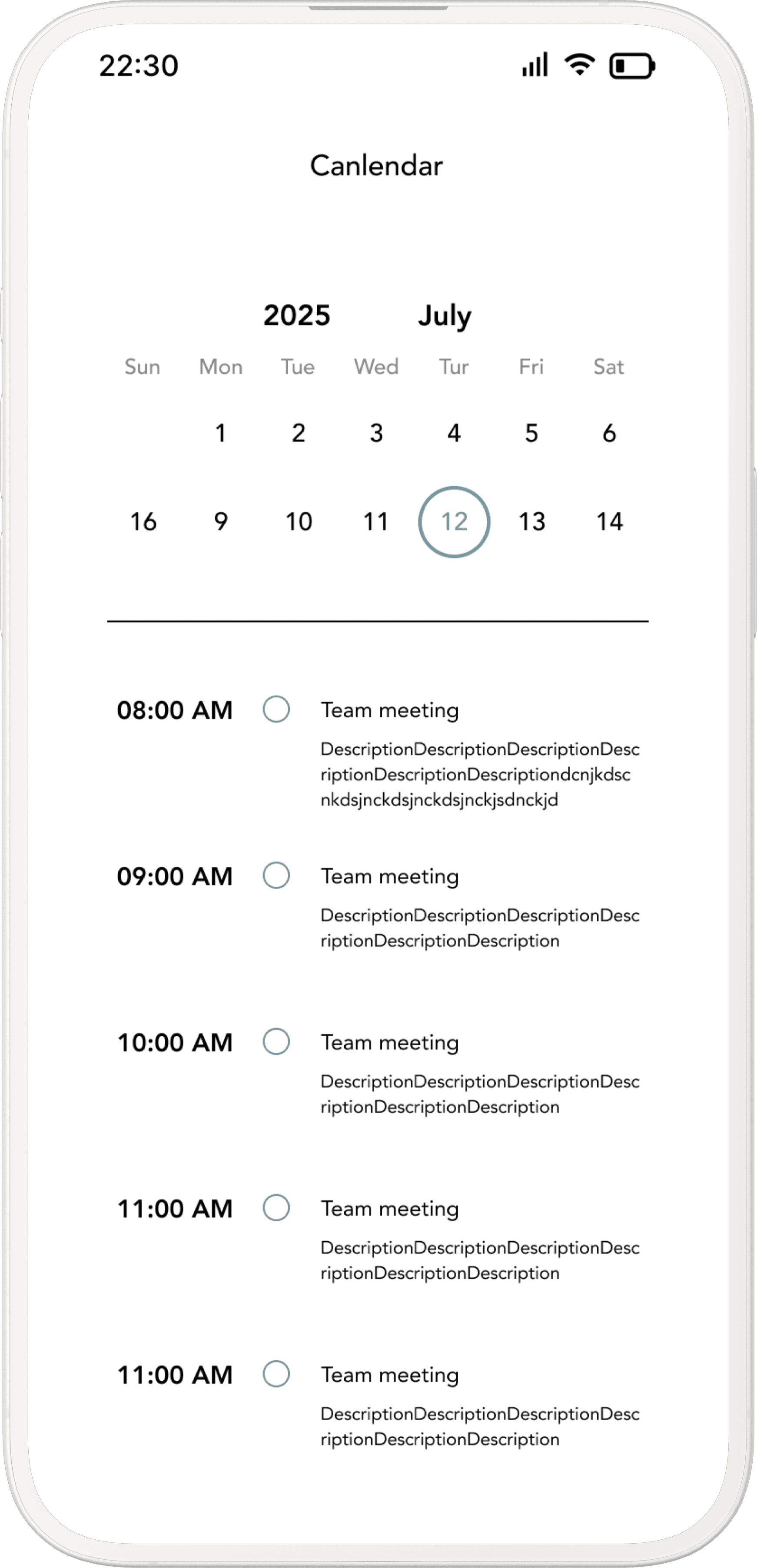
Help users organize their daily schedule while maintaining clarity and focus on time-based activities.

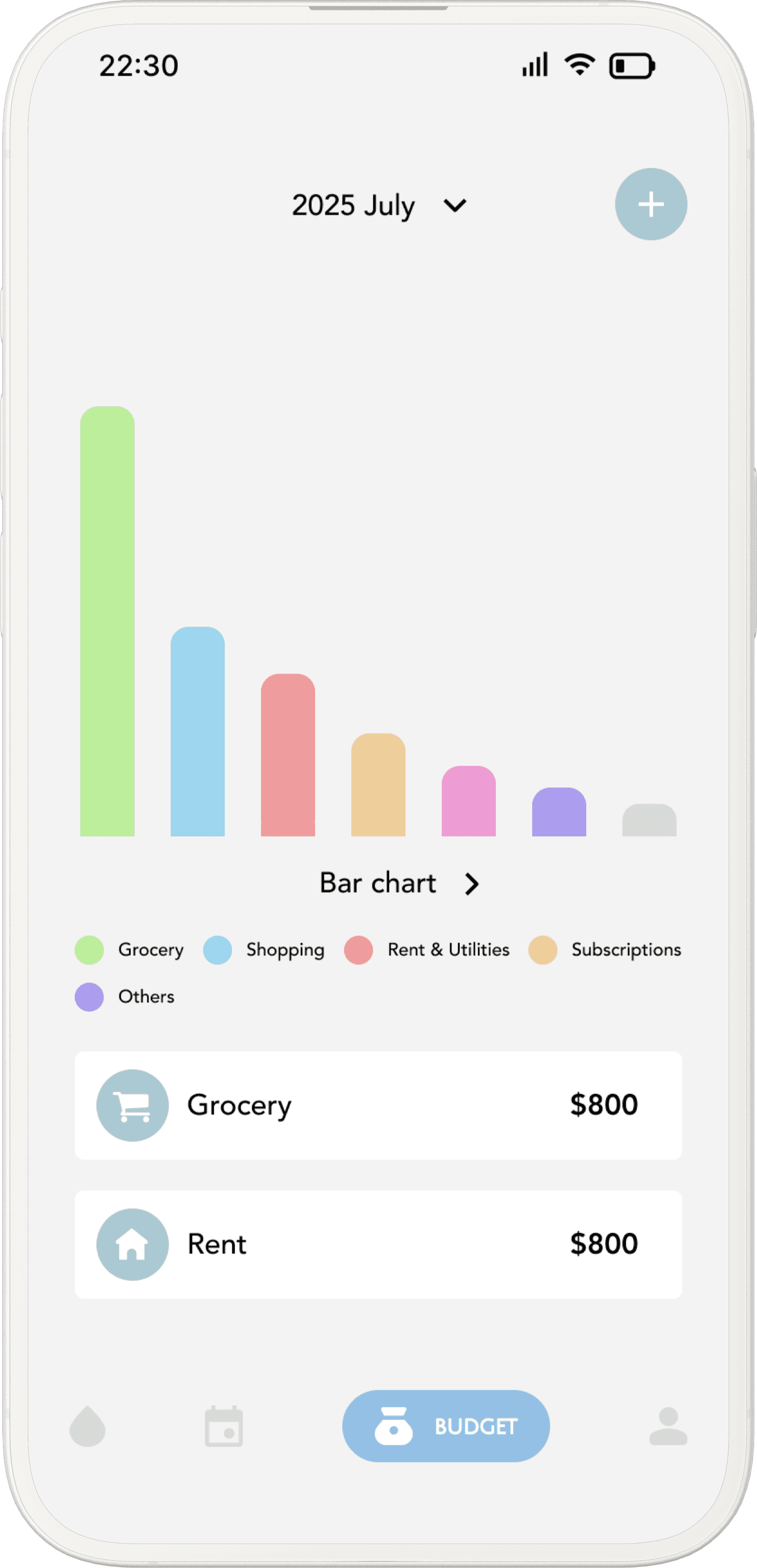
The bar chart provides a quick visual comparison of spending by category, allowing users to identify major expense areas at a glance.

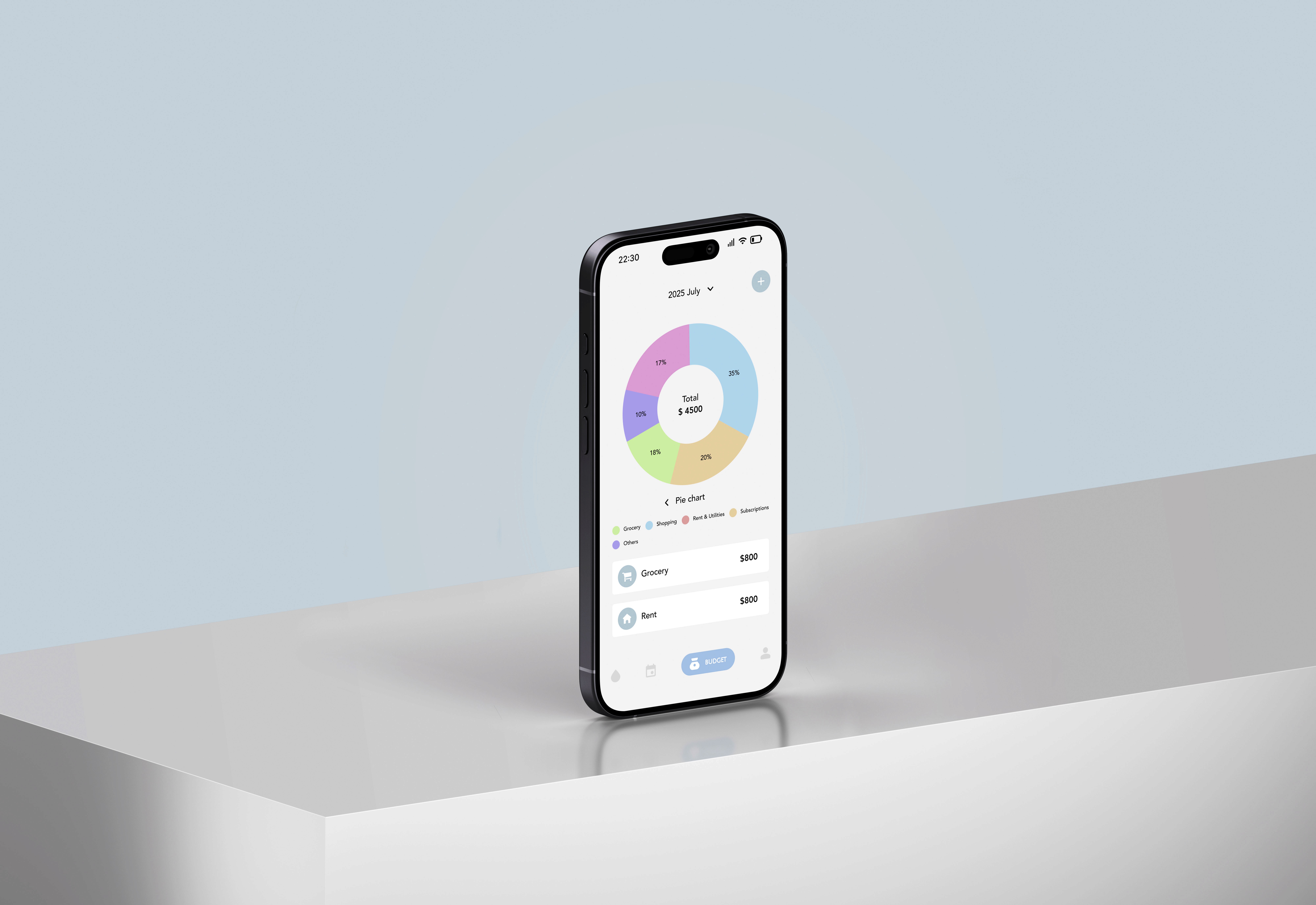
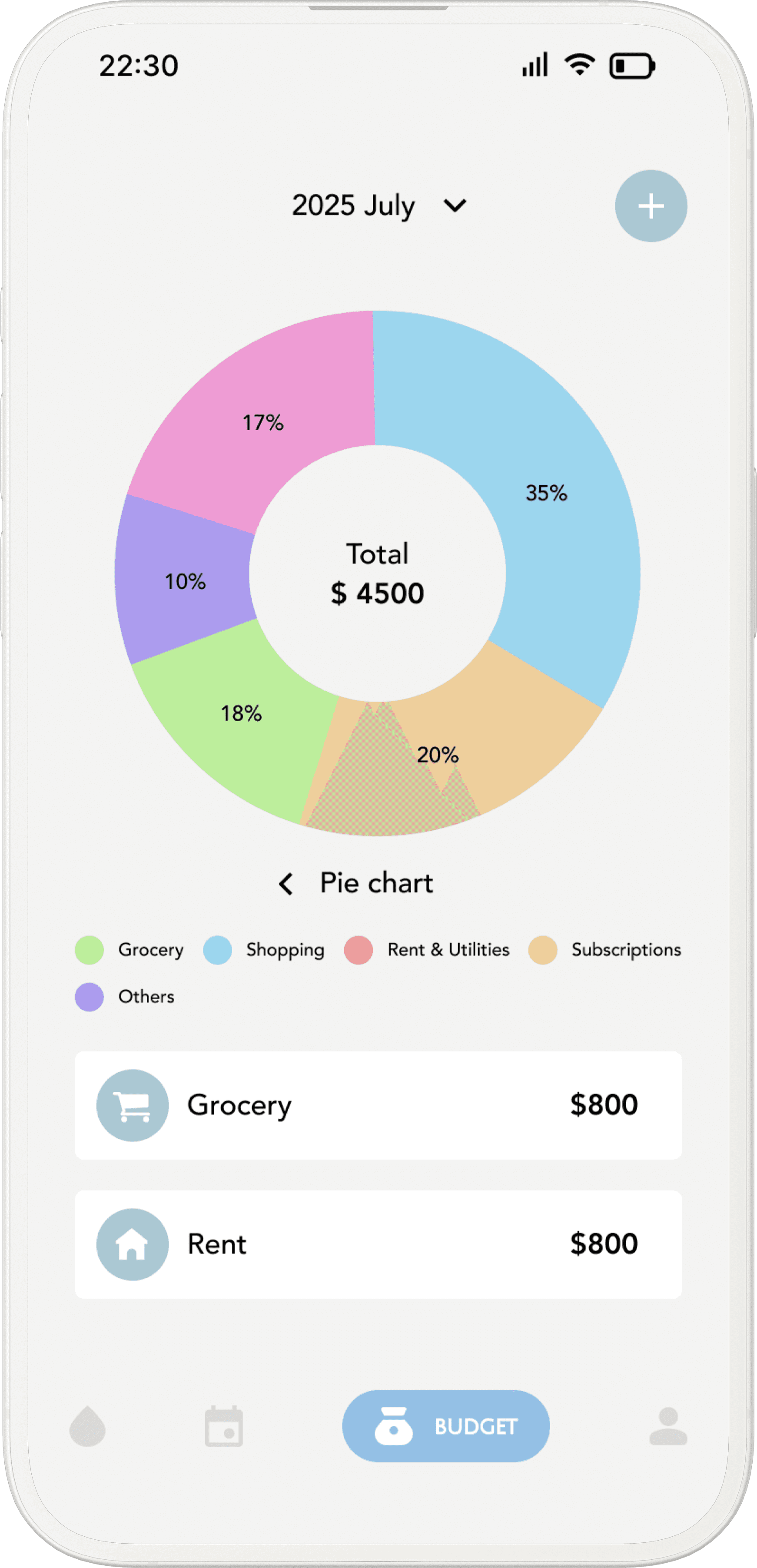
The pie chart emphasizes proportional spending, helping users understand how their total budget is distributed across categories.

Design Goal

Who

Who

Individuals who want to reflect on their daily life, emotions, and spending habits but feel overwhelmed by using multiple, overly complex apps.

Individuals who want to reflect on their daily life, emotions, and spending habits but feel overwhelmed by using multiple, overly complex apps.

How

How

By integrating diary writing, mood tracking, budgeting, and notes into a single, intuitive interface that emphasizes simplicity, visual clarity, and emotional accessibility.

By integrating diary writing, mood tracking, budgeting, and notes into a single, intuitive interface that emphasizes simplicity, visual clarity, and emotional accessibility.

What

What

Design an all-in-one life management app that allows users to log their mood, daily notes, schedules, and expenses in one place, while visualizing patterns through simple charts and summaries.

Design an all-in-one life management app that allows users to log their mood, daily notes, schedules, and expenses in one place, while visualizing patterns through simple charts and summaries.

UI Kit

UI Kit

text

text

text

text

text

text

text

text

text

text

text

text

HOME

HOME

My page

My page

calendar

calendar

budget

budget

DIARY

DIARY

Hey Jisoo, Tell me your story

Hey Jisoo, Tell me your story

We miss you and want to hear your story about today. We are waiting for you :).

We miss you and want to hear your story about today. We are waiting for you :).

Your weekly

goal

Your weekly

goal

1day

1day

Your weekly

goal

Your weekly

goal

1day

1day

1

1

1

1

1

1

Grocery

Grocery

$800

$800

08:00 AM

08:00 AM

Team meeting

Team meeting

DescriptionDescriptionDescriptionDescriptionDescriptionDescription

DescriptionDescriptionDescriptionDescriptionDescriptionDescription

Onboarding Flow

Onboarding Flow

-> The onboarding flow introduces the app’s purpose in a simpla ans engaging way, helping users quickly understand its value

-> The onboarding flow introduces the app’s purpose in a simpla ans engaging way, helping users quickly understand its value

-> Users can sign up with their social accounts, making the registration process fast and convenient.


And they can use their own code, makes they more convenient and fast.

-> Users can sign up with their social accounts, making the registration process fast and convenient.


And they can use their own code, makes they more convenient and fast.

Mockup Design

Mockup Design

This screen provides a quick weekly overview by combining goals, mood tracking, budget status, and notes into a single, scannable dashboard.

Help users organize their daily schedule while maintaining clarity and focus on time-based activities.

The bar chart provides a quick visual comparison of spending by category, allowing users to identify major expense areas at a glance.

The pie chart emphasizes proportional spending, helping users understand how their total budget is distributed across categories.

This screen provides a quick weekly overview by combining goals, mood tracking, budget status, and notes into a single, scannable dashboard.

Help users organize their daily schedule while maintaining clarity and focus on time-based activities.

The pie chart emphasizes proportional spending, helping users understand how their total budget is distributed across categories.

The bar chart provides a quick visual comparison of spending by category, allowing users to identify major expense areas at a glance.